Operations
How Kenko Migrates Fitness Studios Overnight (Without Downtime Or Post-Launch Chaos)
TL;DR Switching fitness studio software is a big decision and when migrations go wrong, the fallout is real. Data gaps, billing issues, and unused features can turn excitement into stress fast. This article explains what a safe migration with Kenko looks like, and how choosing the right platform makes switching a one-time move and not an ongoing risk.
You’ve heard the horror stories: studios that lost client data during a migration. Front desk teams were unable to process check-ins on launch day. Or, instructors got locked out of class rosters for weeks.
Maybe you’ve lived it yourself.
Most software companies treat migration like moving day where they pack up your data, drop it into a new system, and move on.
At Kenko, migration isn't treated as a handoff or a checklist item. It's treated as a shared transition with clear ownership before, during, and after you go live. The system, the data, and the people involved are designed to stay connected long after launch.
This article walks through how Kenko approaches migration differently and why switching to Kenko doesn't have to feel like a risk.
1. We don't just migrate data, but we migrate how your business runs
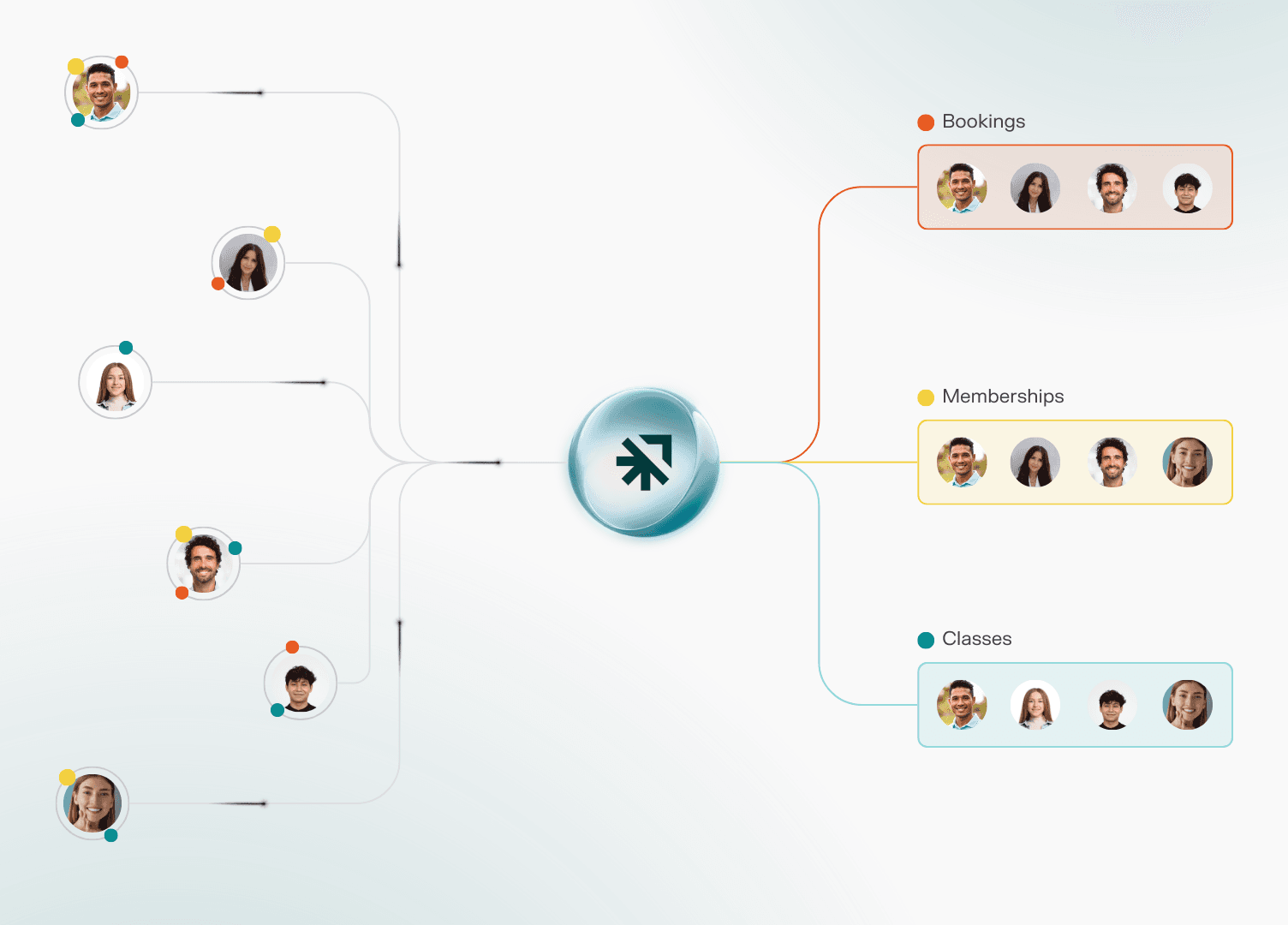
Most migrations focus on moving records from Point A to Point B. But a studio isn't a collection of records. It's a system of relationships.
A membership isn't just a name and a price. It's connected to:
Recurring billing schedules
Class booking credits that renew monthly
Membership pauses and scheduled cancellations
Access rules for specific locations or times
Sales history that affects visibility
When those connections break, your studio breaks. Members get charged twice. Credits don't show up. Front desk staff can't explain what went wrong because the system doesn't match what happened yesterday.
That's the gap most migrations create: the data arrives, but the context doesn't.
A safe migration doesn’t just move information but also preserves how your business works and supports you until confidence is restored.
1.1 How Kenko migrates the whole context
We map your business logic first: About a week before go-live, Kenko reviews your reports with you, aligns on how memberships, pricing, and services will be set up, and maps even the naming so everything feels familiar.
This prevents surprises after launch and ensures your data reflects how your studio actually runs.
Everything moves together in one overnight window: Members, active memberships, and bookings for classes, appointments, and courses migrate as one connected system and not as separate pieces. Nothing gets disconnected.
Post-migration validation happens before your team fully switches over: After the data transfer, Kenko reviews your setup with you to catch any small inconsistencies that surfaced during migration. A go-live call ensures everything looks right, works as expected, and feels ready before daily operations begin.
We stay with you during the hypercare period after launch: For the first 2–3 weeks after go-live, Kenko is just a call away. We stay closely involved as your team uses the system in real day-to-day scenarios. Questions get answered quickly, small fixes are handled together, and your staff gains confidence using the system.
1.2 What this prevents
Members having the wrong credit balances or being charged twice
Missing or incorrect bookings that lead to instructors seeing inaccurate class rosters
Front desk staff getting stuck managing post-migration confusion instead of serving members
Studio owners spending weeks in damage-control mode
Feeling ignored or reduced to “just another support ticket” when help is needed most
The result: your studio switches systems without your members or team noticing the seams.
2. We migrate your studio overnight without downtime
Kenko migrates your studio in one coordinated overnight window. When you open the next morning, it feels like you've always been on Kenko.
Your studio never goes offline so your classes remain bookable and schedules stay intact
You’re not handling go-live alone. As your team starts using the system, real support is right there with you so you feel backed up, not exposed, during the transition.
No "in-between" period to explain to members, no downtime notices, no scrambling
For your members, nothing breaks. For your staff, nothing pauses.
3. We keep it human with real people, real support, every time
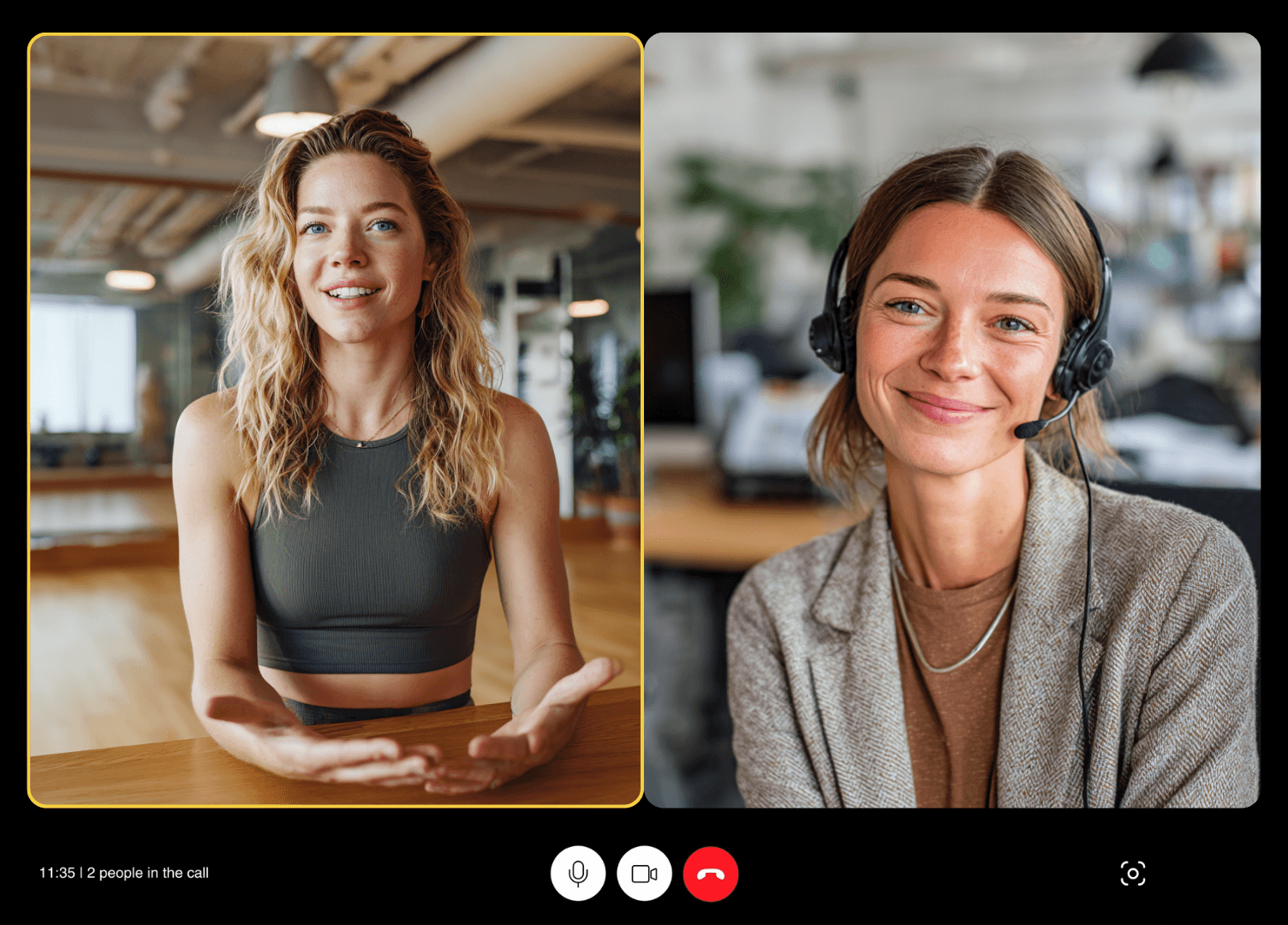
Our team helps you get fully set up and comfortable on Kenko. We guide you through the platform, configure key workflows, and provide video-call support whenever you need it.
When something needs attention, you jump on a call with a dedicated onboarding coach who already knows your studio. No tickets or queues but just real people who care about keeping things running smoothly.
In the first few weeks, customers often tell us they're surprised a real person always responds and that they're actually helpful. It says something about what they've dealt with before.
Recently, one customer asked our teammate: "Can you just be OUR Kenko buddy?"
We think that's just how it should be.
4. We build for the long haul so you never have to migrate again
Most studios don't switch because the current system is broken, but they switch because it stopped evolving.
Features they need don't get built. Support becomes unresponsive. The platform that worked for 50 members can't handle 500. And suddenly, they're looking at another migration in two years.
That's the cycle Kenko breaks.
We're not just solving your current pain points but we're built to grow with you. Be it new locations, evolving pricing models, or hanging member expectations. The fitness industry doesn't stand still, and neither does Kenko.
Kenko keeps up.
Recap — what sets Kenko's migration apart
Process | Most vendors | Kenko |
What gets migrated | Data only; you rebuild context and workflows | Your entire business including members, bookings, memberships, and how they connect |
Who owns the migration | You coordinate between vendors, handle data cleanup | Named point of contact with end-to-end processes |
Timeline & downtime | Weeks of back-and-forth, potential service interruptions | One coordinated overnight window with zero downtime and data loss |
Your team's learning curve | Figure it out as you go | We configure workflows with you and are with you every step of the way |
When things break | Submit a ticket, wait for response | Video call support, just an ask away |
After you're live | You're on your own | You get 14 days of hypercare with your Onboarding Coach, ensuring everything runs smoothly |
Long-term growth | Platform stops evolving, you migrate again in 2 years | Built for boutique fitness studios, continuously improved, scales as you grow |
Migration doesn't have to be a gamble
If you're ready to switch or just want to talk through what migration would actually look like for your studio, reach out to our team. We'll walk you through the process, answer your questions, and show you exactly how we'd move your studio without the chaos.
Book a demo or email us directly at support@gokenko.com.