DONE-FOR-YOU SETUP AND MIGRATION

Worried about switching?
Weโ€™ve got you.

We handle your setup and data migration, with a dedicated team guiding you through every step. Review your setup before launch, know what to expect, and make the switch with confidence.

HOW IT WORKS

Your data, moved for you

Your data, moved for you

Business data

Clients, packages, schedules, history - we pull it from your old system and rebuild it inside Kenko, for you to check before anyone else sees it.

THE TIMELINE

Live in simple steps.

Three to get it right, one to move.

week 1

Kickoff

We learn your studio: services, pricing, how you actually run your day.

week 2

Setup

Your Kenko account gets built around your studio.

week 3

Review

Review everything, then give the green light. Your sign-off is the last step before we migrate.

week 4

Migration

Your data moves over. You launch your studio with on Kenko.

THE TIMELINE

Live in simple steps.

Three to get it right, one to move.

week 1

Kickoff

We learn your studio: services, pricing, how you actually run your day.

week 2

Setup

Your Kenko account gets built around your studio.

week 3

Review

Review everything, then give the green light. Your sign-off is the last step before we migrate.

week 4

Migration

Your data moves over. You launch your studio with on Kenko.

THE TIMELINE

Live in simple steps.

Three to get it right, one to move.

week 1

Kickoff

We learn your studio: services, pricing, how you actually run your day.

week 2

Setup

Your Kenko account gets built around your studio.

week 3

Review

Review everything, then give the green light. Your sign-off is the last step before we migrate.

week 4

Migration

Your data moves over. You launch your studio with on Kenko.

WHAT MOVES WITH YOU

Everything that matters comes with you

Everything that matters comes with you

01.
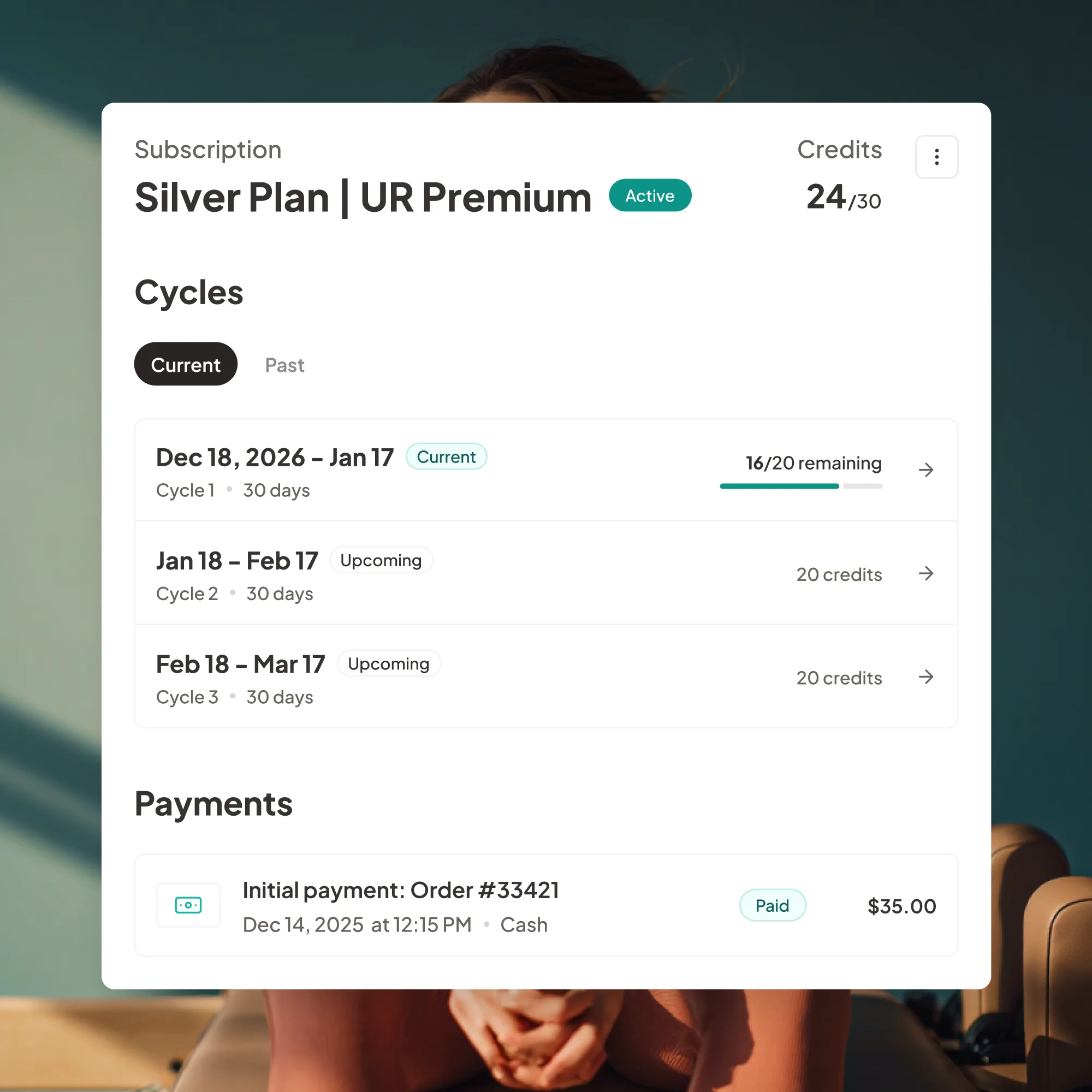
Client data & payment info

Profiles, contact details, payment methods, purchase history.

02.

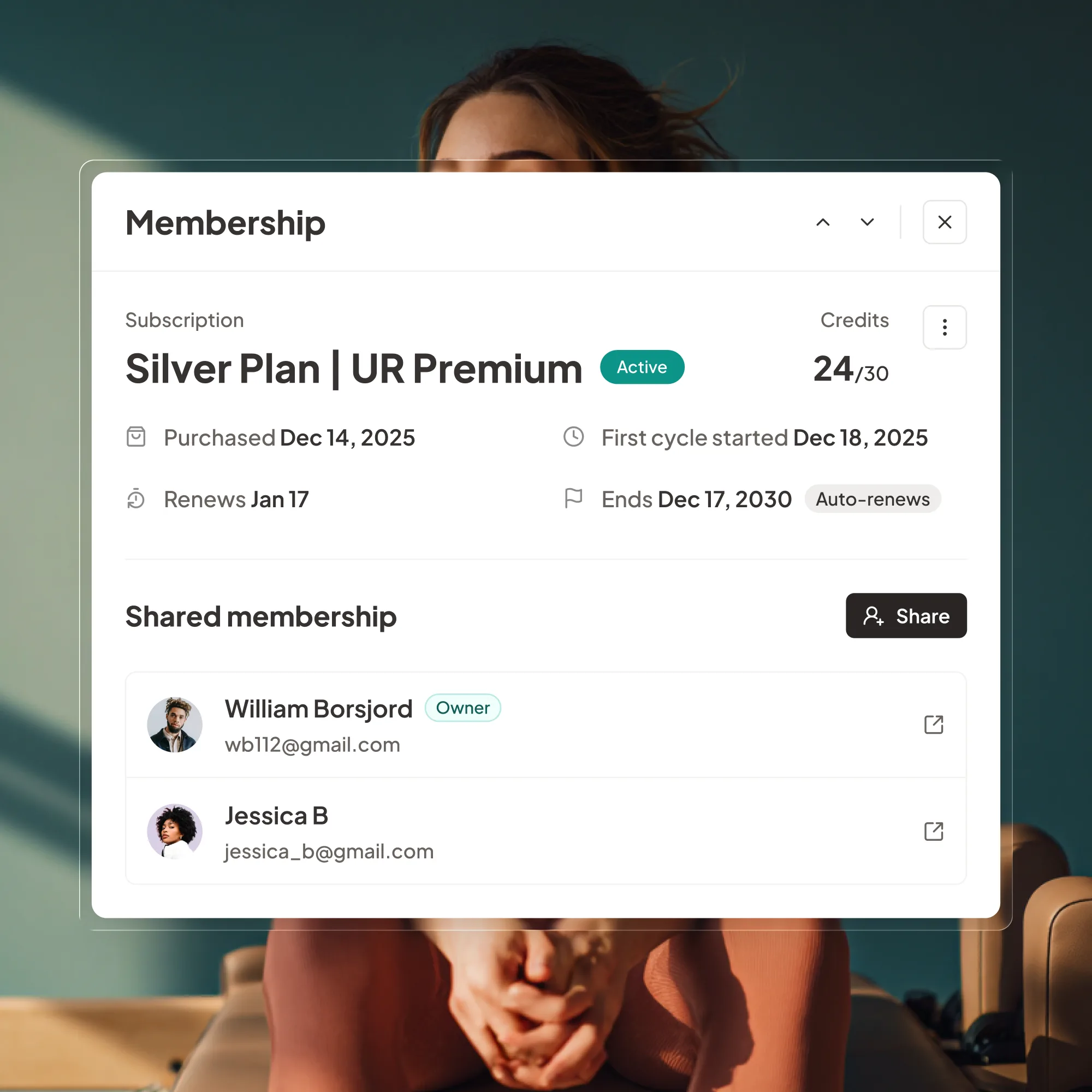
Memberships

03.

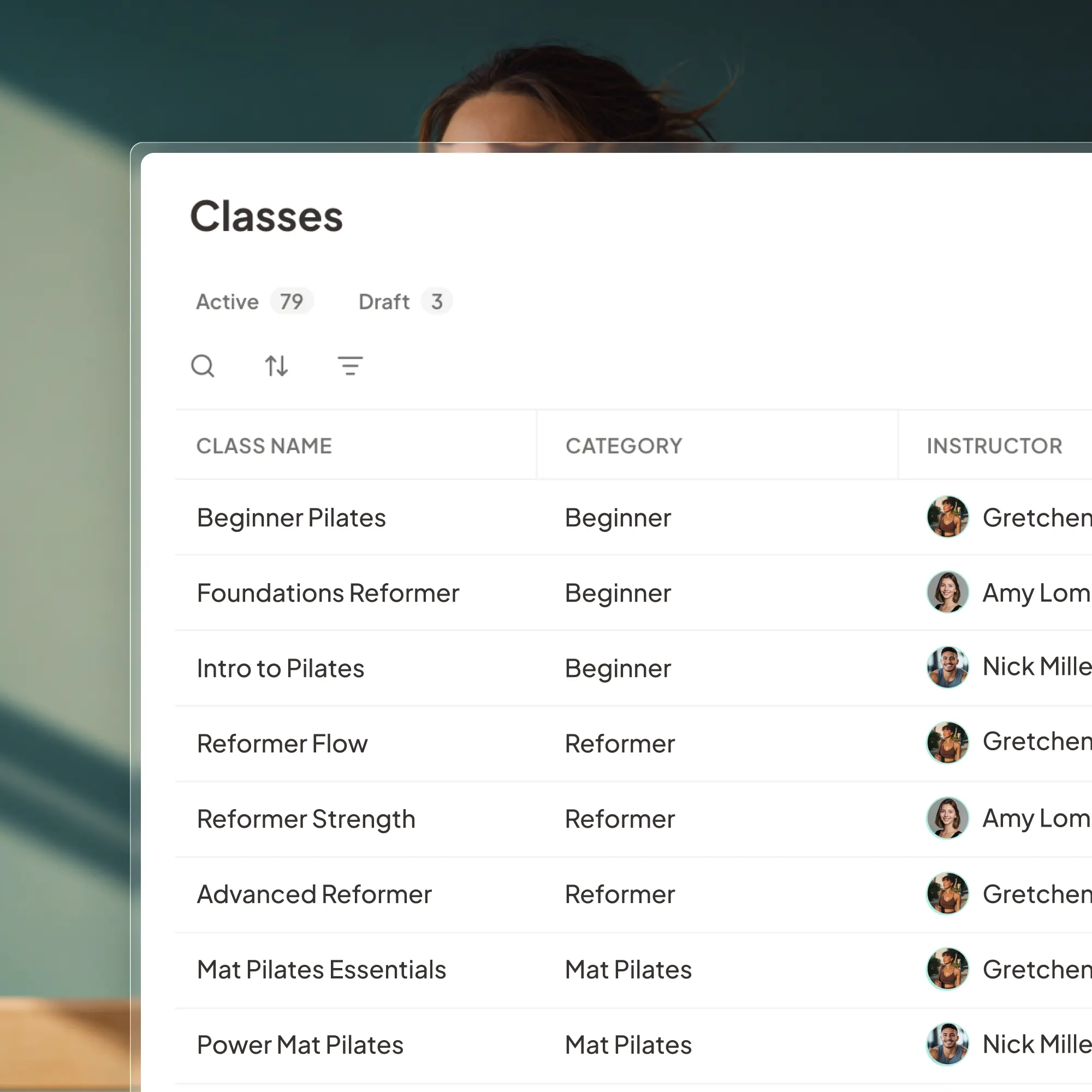
Schedules

04.

Booking and sales history

Client data & payment info

Profiles, contact details, payment methods, purchase history.

Memberships

Active and historical, so nothing about your members' standing changes.

Schedules

Classes, appointments, instructors, pricing.

Booking and sales history

Your full booking and sales history from the very beginning.

YOUโ€™RE NOT DOING THIS ALONE

Support and checks at every step

Support and checks at every step

Switching software can feel risky. So we put a team and a set of checks around every migration, before, during, and after you launch.

Switching software can feel risky. So we put a team and a set of checks around every migration, before, during, and after you launch.

Migration data specialist

One specialist makes sure every memberโ€™s details, packages, and bookings carry over correctly.

Training before launch

You and your team are trained on check-ins, bookings, and payments before launch.

Training before launch

Either invest in multiple expensive systems or settle for bare-bones marketing that fails to fill classes

Checks of memberships, schedules, and billing

We verify the details that matter most to your members, so nothing changes in their experience.

Support during launch and afterward

Weโ€™re with you on launch day and beyond, with help ready when questions come up.

Ready to make the switch?

30 minutes. We'll map out exactly what your migration looks like.

0+

Total First Visits

0+

Total Member Signups

$0million

Total Revenue Added

Questions we hear all the time.

Will there be any downtime for my studio or my clients during the switch?

Do my clients need to download a new app or do anything on their end?

Will my members lose their memberships?

Will my members have to enter their card details again?

When should I cancel my old software?

How much time will I need to spend on the migration?

What if something needs fixing after we launch?

Is there a fee for migration?

Will there be any downtime for my studio or my clients during the switch?

Do my clients need to download a new app or do anything on their end?

Will my members lose their memberships?

Will my members have to enter their card details again?

When should I cancel my old software?

How much time will I need to spend on the migration?

What if something needs fixing after we launch?

Is there a fee for migration?